What Is Percentage Increase?
Percentage increase is how much a value grew compared to its original amount, shown as a percent. Subtract the old value from the new value, divide by the old value, and multiply by 100. If the result is negative, the value actually decreased.
Percentage Increase Formula
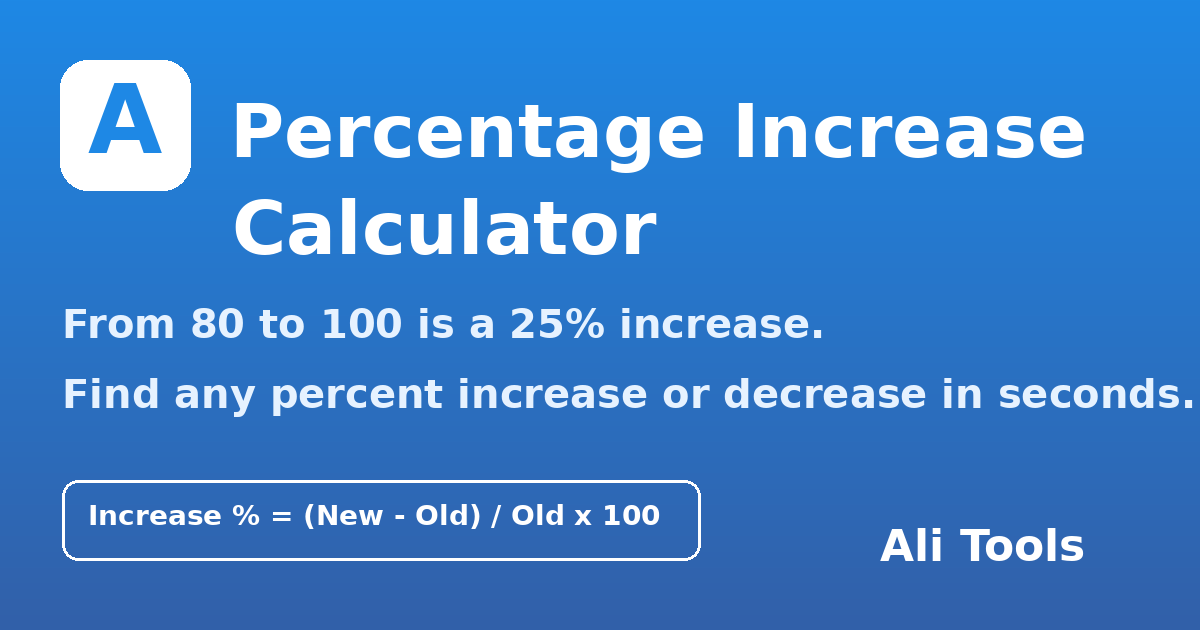
Percentage Increase = ((New Value − Old Value) ÷ Old Value) × 100
Worked example — a product's price rises from 80 to 100: (100 − 80) ÷ 80 × 100 = 25% increase. The same formula works for salaries, marks, rent, followers, weight, and prices. If the new value is smaller, flip the view: from 200 to 150 is (150 − 200) ÷ 200 × 100 = −25%, a 25% decrease.
How to Use This Calculator
- Enter the starting (original) value.
- Enter the final (new) value.
- Press Calculate — you instantly get the percentage increase or decrease, the exact difference, and the new value as a percent of the old one.
Everyday Uses
- Salary: pay rises from 50,000 to 57,500 → a 15% raise.
- Prices & inflation: a 250 item now costing 300 → 20% more expensive.
- Marks: a student improving from 60 to 75 marks → 25% improvement.
- Business: monthly sales growing from 1,200 to 1,500 orders → 25% growth.
Increase vs Decrease — One Tool, Both Directions
Many calculators only handle growth. This one detects direction automatically: if the new value is higher you see a green increase result; if it is lower you see the decrease and by how much — useful for discounts, weight loss, and price drops alike.
You May Also Like
- Percentage Calculator — find what percent one number is of another, and more.
- Browse All Calculators
Frequently Asked Questions
How do I calculate percentage increase?
Use ((New − Old) ÷ Old) × 100. Example: from 80 to 100 → (20 ÷ 80) × 100 = 25% increase.
What is the difference between percentage increase and percentage points?
Percentage increase is relative to the starting value (50 → 75 is +50%). Percentage points are the plain subtraction of two percents (a rate going from 10% to 15% rose by 5 percentage points, which is a 50% relative increase).
Can percentage increase be over 100%?
Yes — whenever a value more than doubles. From 40 to 130 is a 225% increase.
Is this percentage increase calculator free?
Yes — 100% free, unlimited use, no signup, like every tool on Ali Tools.
i How to Use This Tool?

What does this tool do?
Enter your values and get precise calculations instantly — from finance to health to unit conversions.
Key features
- Instant calculation
- Accurate formulas
- Clear result breakdown
- Mobile-friendly inputs
Reviews & Comments
No reviews yet. Be the first to share your experience!